← Back

Word Builder

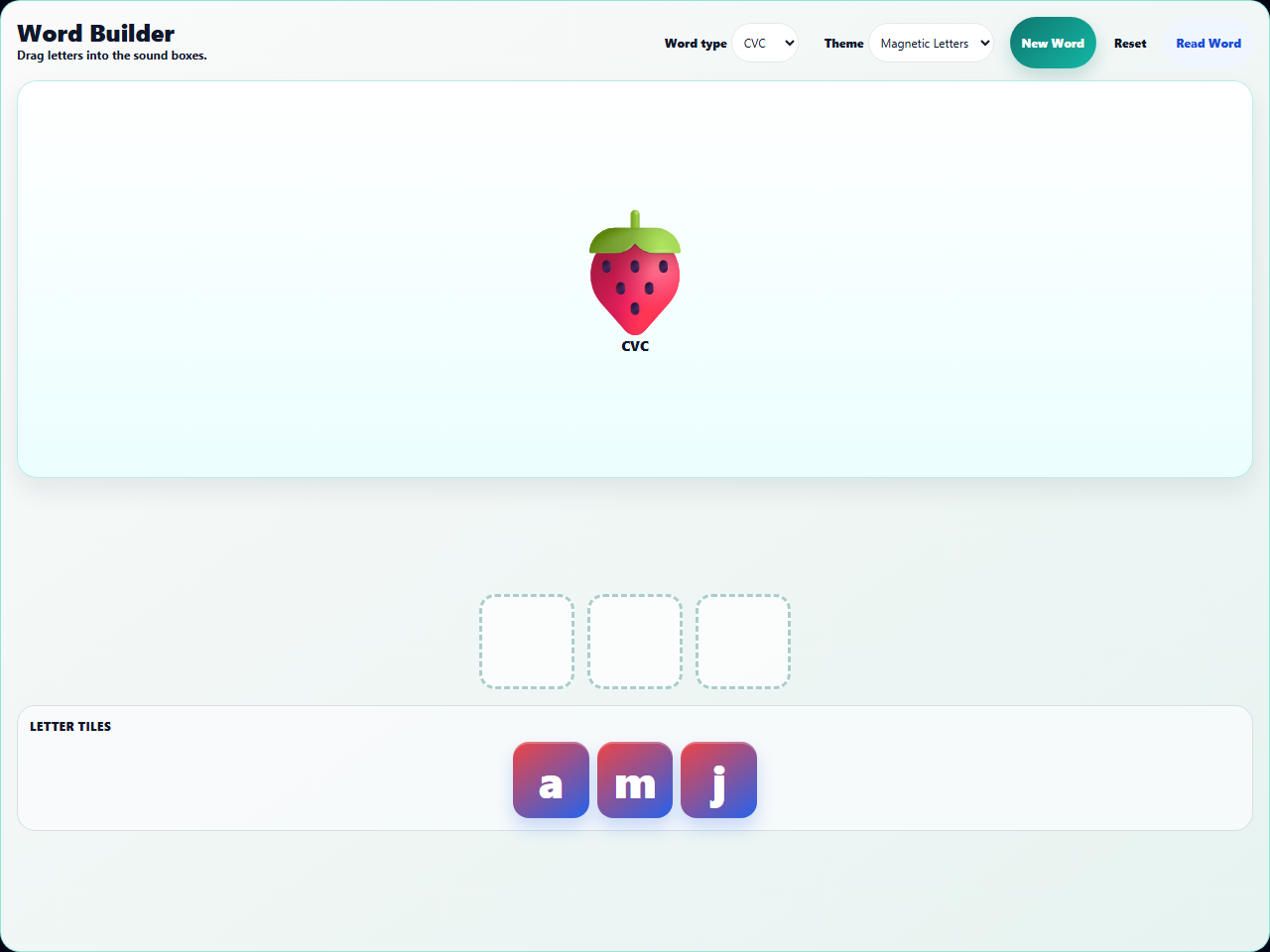
Build words visibly, one sound at a time, using movable letter tiles and sound boxes. Use the board to model blending, segmenting and changes to a word as letters are added or replaced.

Ways to use this widget

Buy once: Download and keep. Use offline without internet, TGM sign-in or a subscription.

Free online: Sign in to use the free widget; try its demo above.

What you can do

  • Choose CVC, CCVC or CVCC word structures.
  • Place letter tiles into sound boxes to build and read words.
  • Choose magnetic, wooden or bubble-style tiles.
  • Use picture prompts and New Word to practise a range of words in each pattern.
  • Move tiles with a mouse, touch or compatible pen, or select a tile and then its sound box.
  • Reset the current activity, or fill every box and use Read Word where a suitable English voice is available.

Word Builder โ€” full-feature preview

Word Builder enlarged full-feature preview