
The Creative Wren

Chicka Chicka Boom Boom Interactive Bulletin Board - Alphabet Activity - Freebie
Free
View
Made for real classrooms
Create an interactive display using the designs you already have in Google Slides or Canva, or choose from TGM templates and backgrounds. Add widgets, run lessons from your timetable, and access resources, quizzes, games and planning tools—all in one place.

One home for your classroom
Bring together your background, timetable, lessons and live classroom tools.
Create a display →Use timers, Student Picker, Number of the Day, Fraction of the Day and more.
Explore widgets →Turn a lesson idea into practical teaching materials made for your class.
Explore the AI →Browse printable, digital and interactive resources made by educators.
Browse resources →Your day at a glance
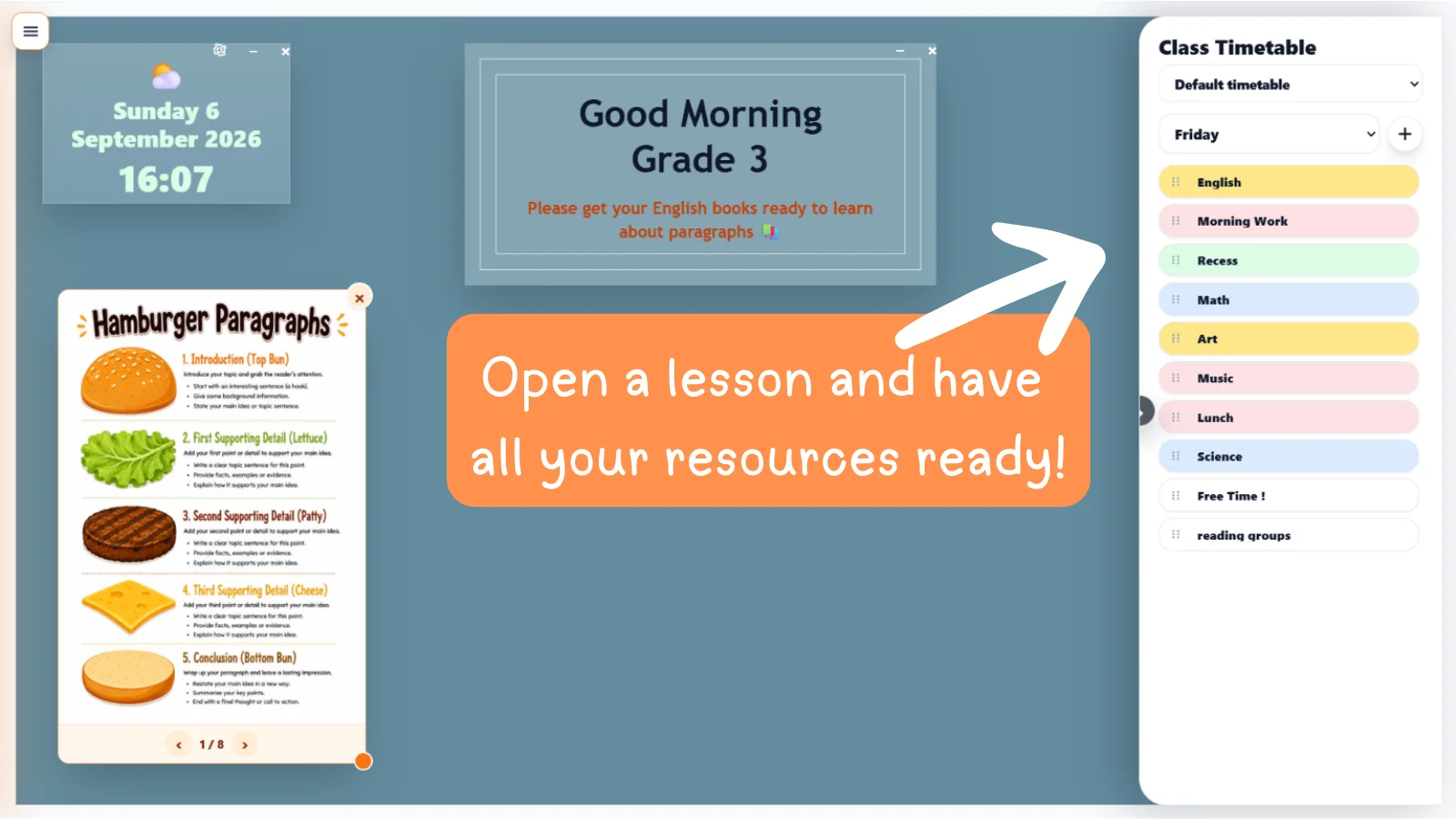
Put your timetable on the classroom screen and launch the lesson, widget, note or activity you need without hunting through tabs.
Keep the day visible for you and your students
Open lesson content directly from each timetable entry
Move smoothly from morning routine to the final bell
Your screen, your way
Use your own Canva or Google Slides design, choose a TGM template, then layer live classroom widgets straight over the top.
Bring My Slides to Life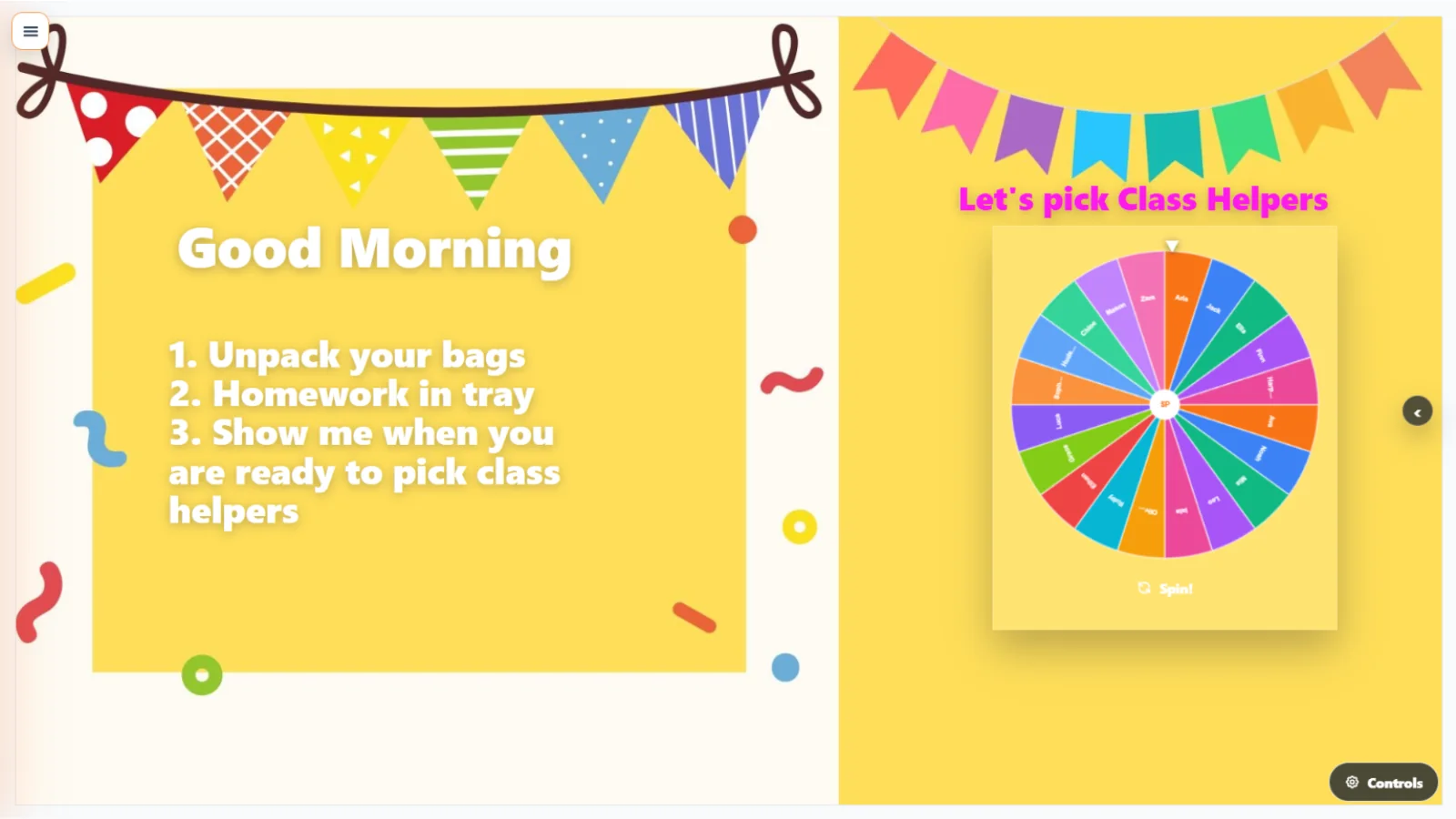
Participation without the fuss
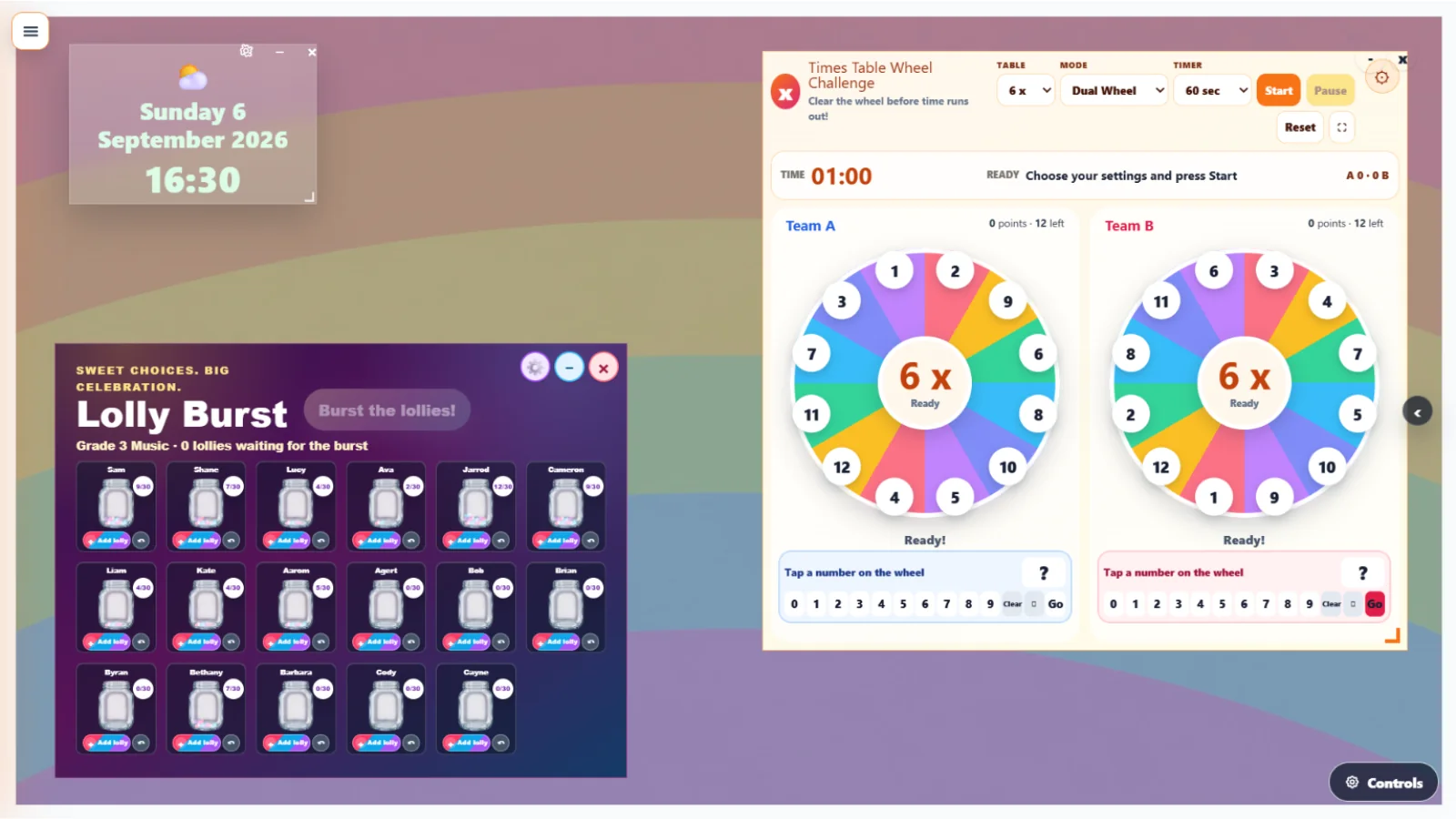
Add a timer, pick a student, roll the dice, practise telling the time or turn a concept into an interactive class activity.
A practical AI teaching partner
Teacher Companion AI helps build connected lesson materials—including plans, workbooks, slide decks and interactive activities—around what you are actually teaching.
Meet Teacher Companion AI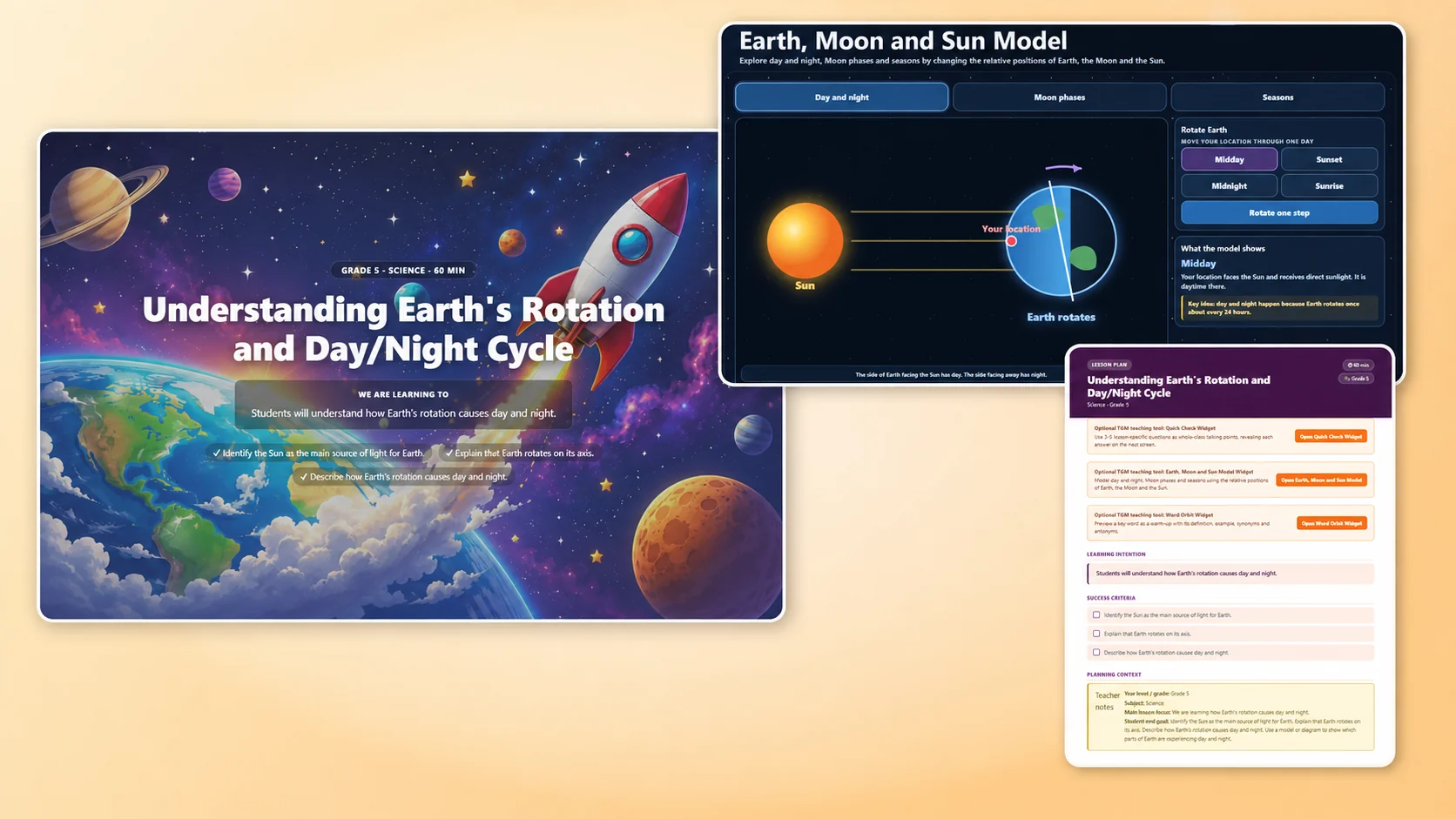
Teacher-created resources
Explore the newest resources from TGM educators, or browse and filter the complete collection.
The Creative Wren


BrightPath Printables


Pixel Zone


Wincy Learning

Jeff's ESL Resources


Lielies Digital

Create your own quizzes
Build a quiz around exactly what you are teaching, share it with a simple join code and see student results in one place. Students do not need an account.
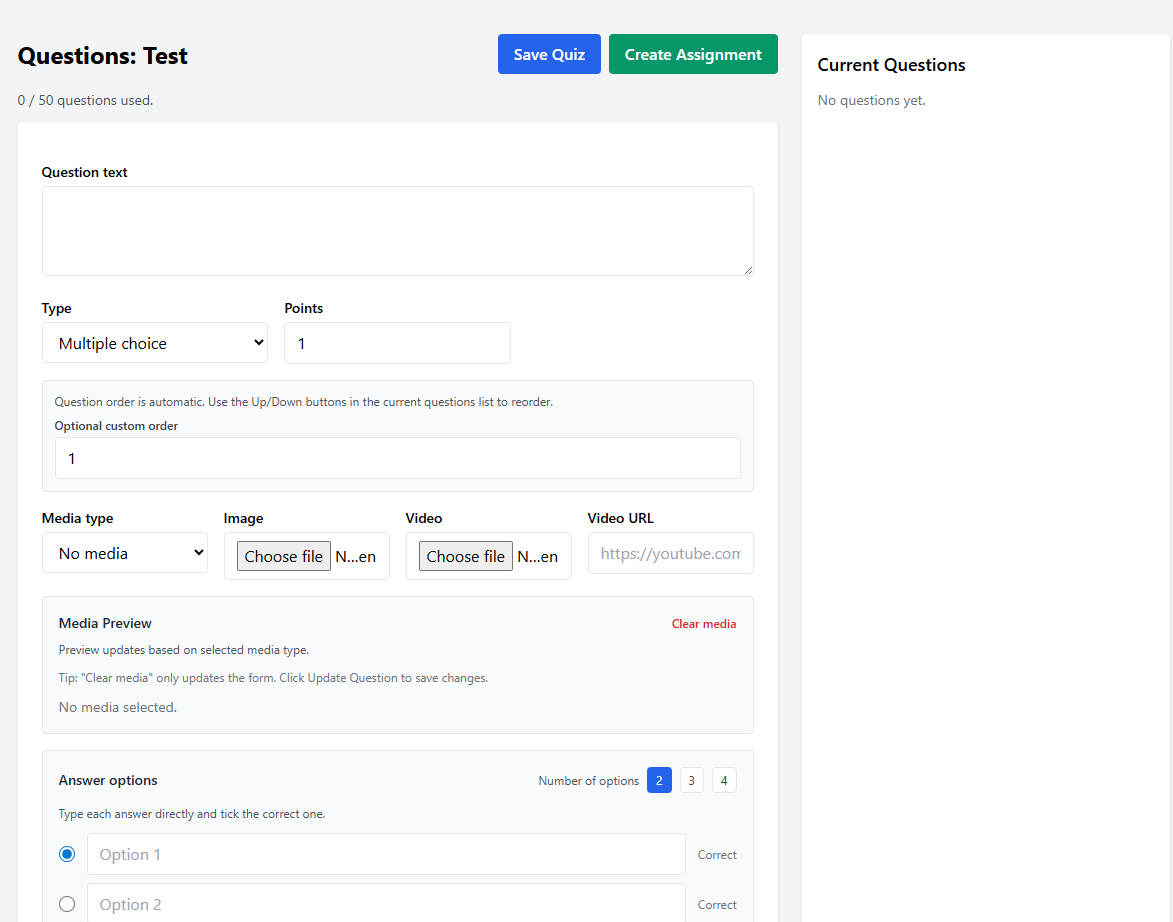
Build questions for exactly what your class is learning.
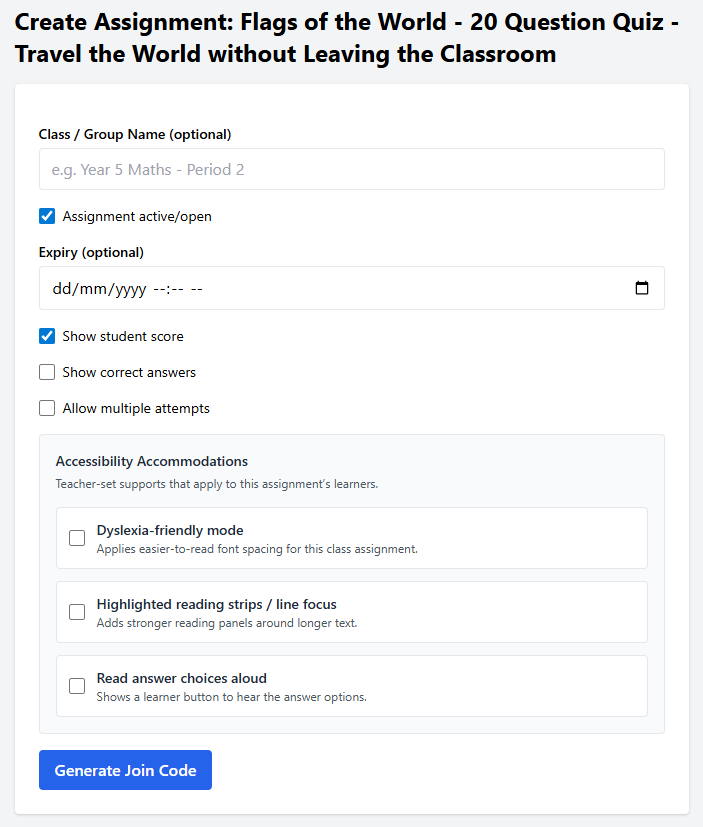
Share a join code and choose the settings and supports students need.
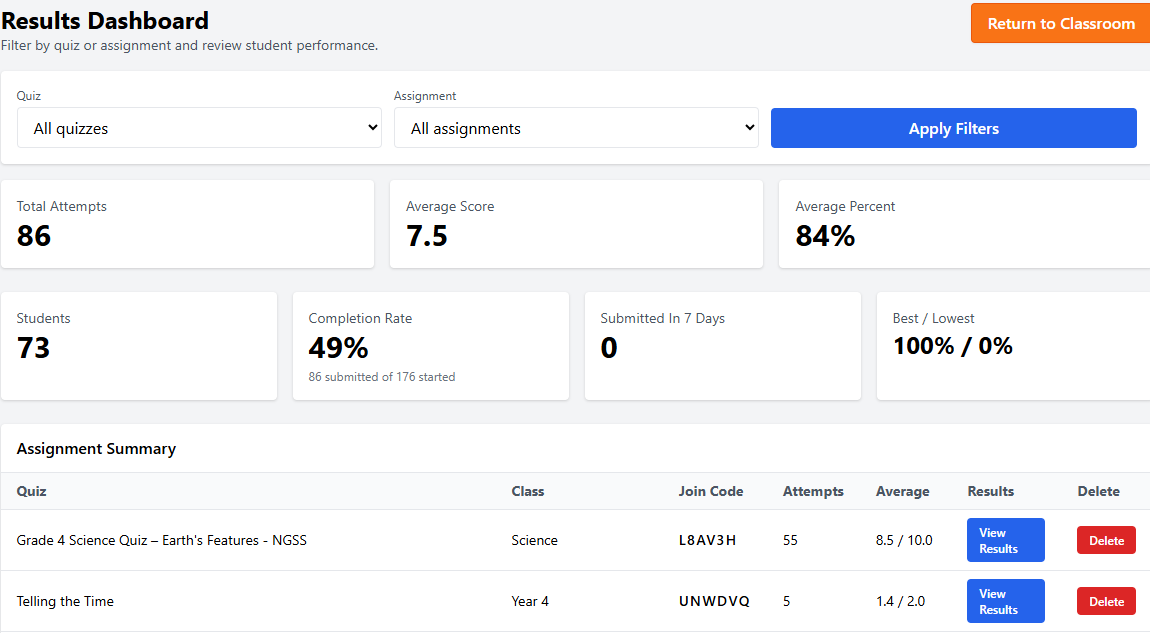
Review scores, participation and the learning that needs another look.
Learning through play
Launch free classroom games, share a join code or link, and let students start playing—no student accounts needed. Assign games to your class and review their results afterward.
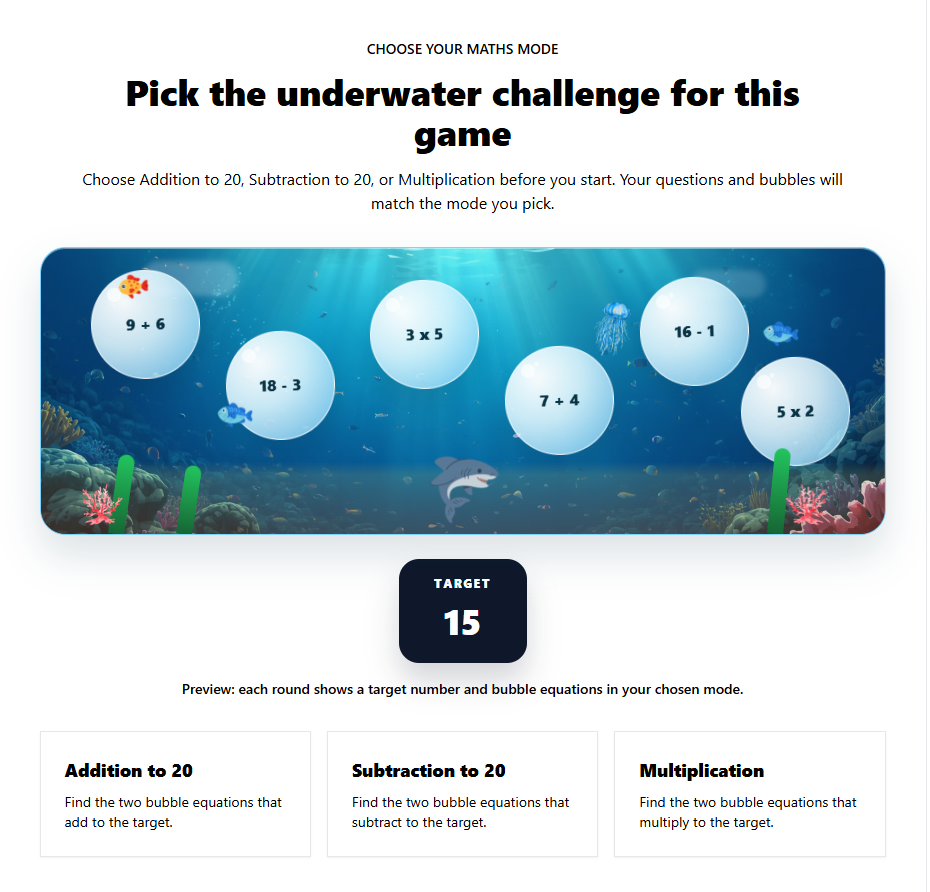
Browse ready-to-play learning games covering different skills and classroom needs.
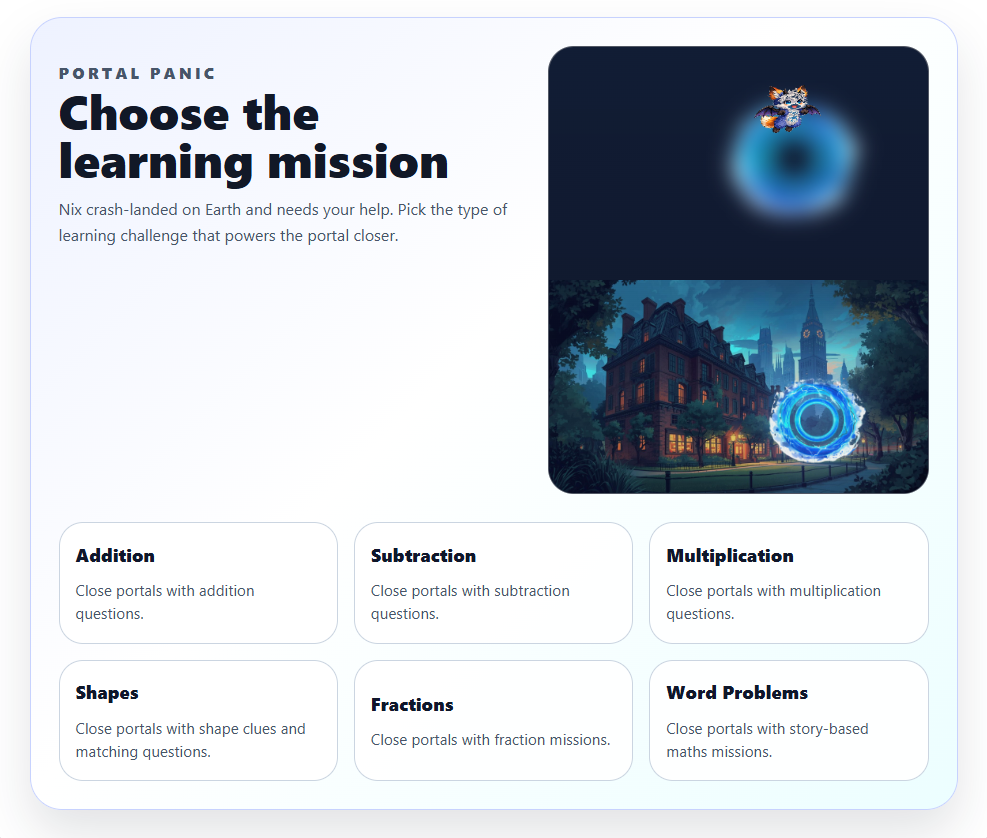
Students join with a code, QR code or link and start playing without creating an account.
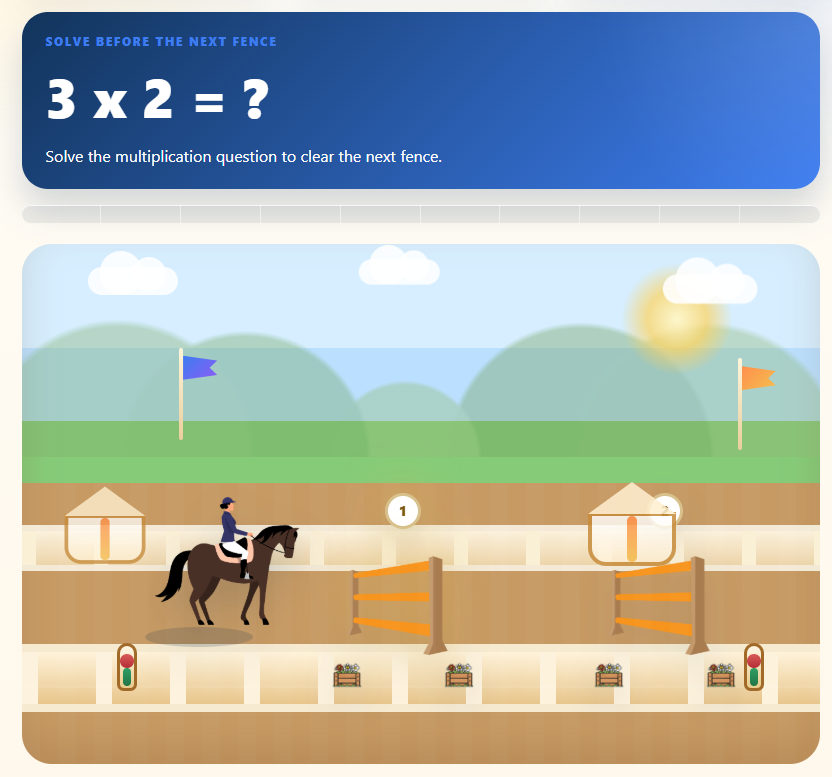
Assign games to your class, then check participation and student results afterward.
Start where it suits you
Create free classroom displays and use free tools, then move up when you want more displays, your own image backgrounds, advanced widgets and the complete teaching workflow.
Free
Three classroom displays plus a growing collection of free tools.
Pro Lite
More displays, custom image backgrounds and extra classroom tools.
Full Pro
Planning, AI creation and the widest set of connected classroom features.
Ready when you are
Start with a TGM template or make your own Canva or Google Slides design interactive.
Create My Classroom Display — Free


