← Back

Telling the Time

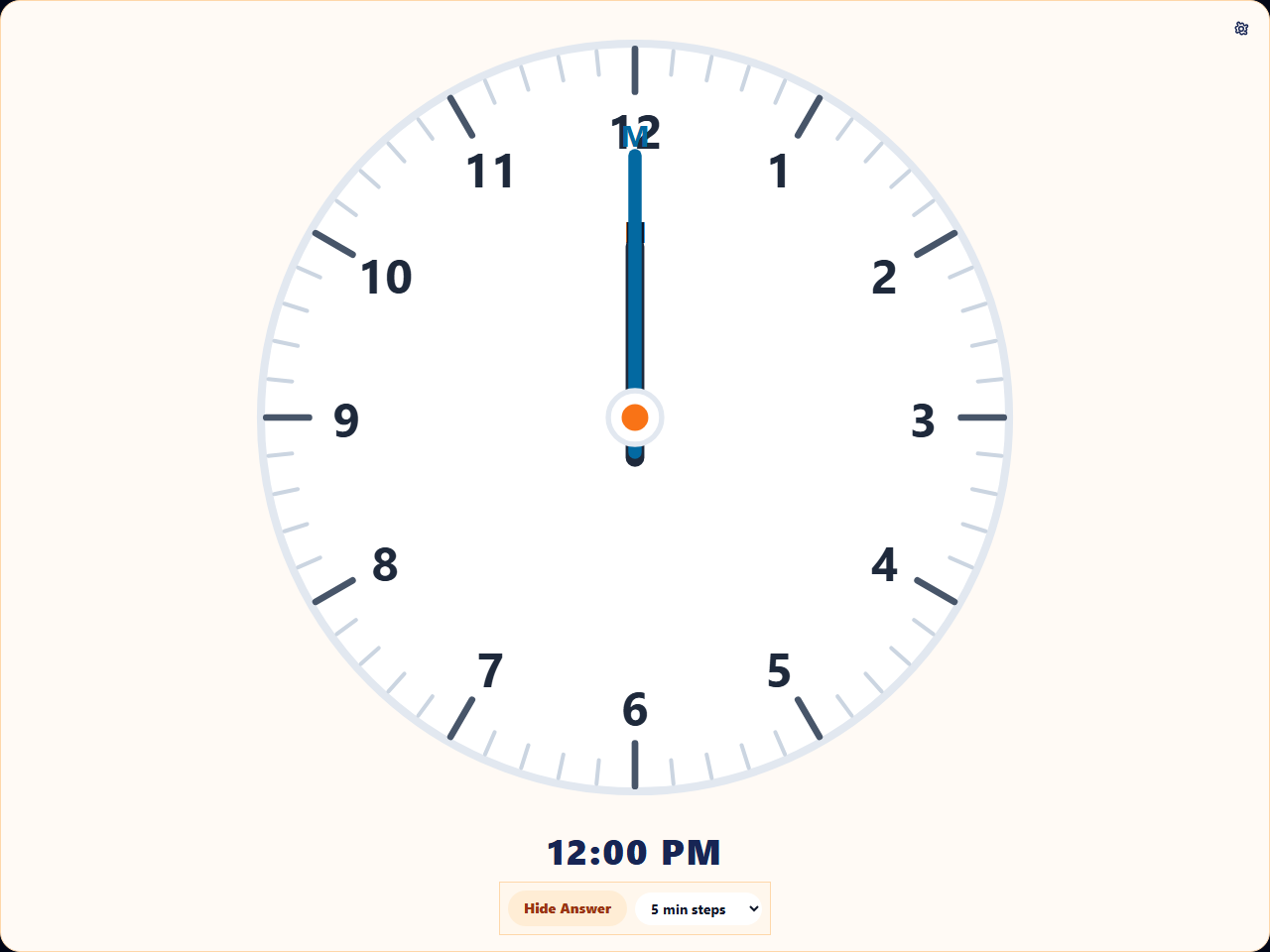
Teach time with an interactive analogue clock. Move between the clock face and its time representation while discussing the hour hand, minute hand and counting intervals.

Ways to use this widget

Buy once: Download and keep. Use offline without internet, TGM sign-in or a subscription.

Free online: Sign in to use the free widget; try its demo above.

What you can do

  • Drag the hour and minute hands to model different times on an analogue clock.
  • Choose 1, 5, 15 or 30 minute steps to match your lesson.
  • Show the digital answer to check a time, or hide it while students read the clock.
  • Use the numbered clock face, minute ticks and H/M hand labels to explain the relationship between hours and minutes.
  • Open or close settings with the cog button, and use Full screen for whole-class teaching.

Telling the Time โ€” full-feature preview

Telling the Time enlarged full-feature preview