← Back

Phonics Builder

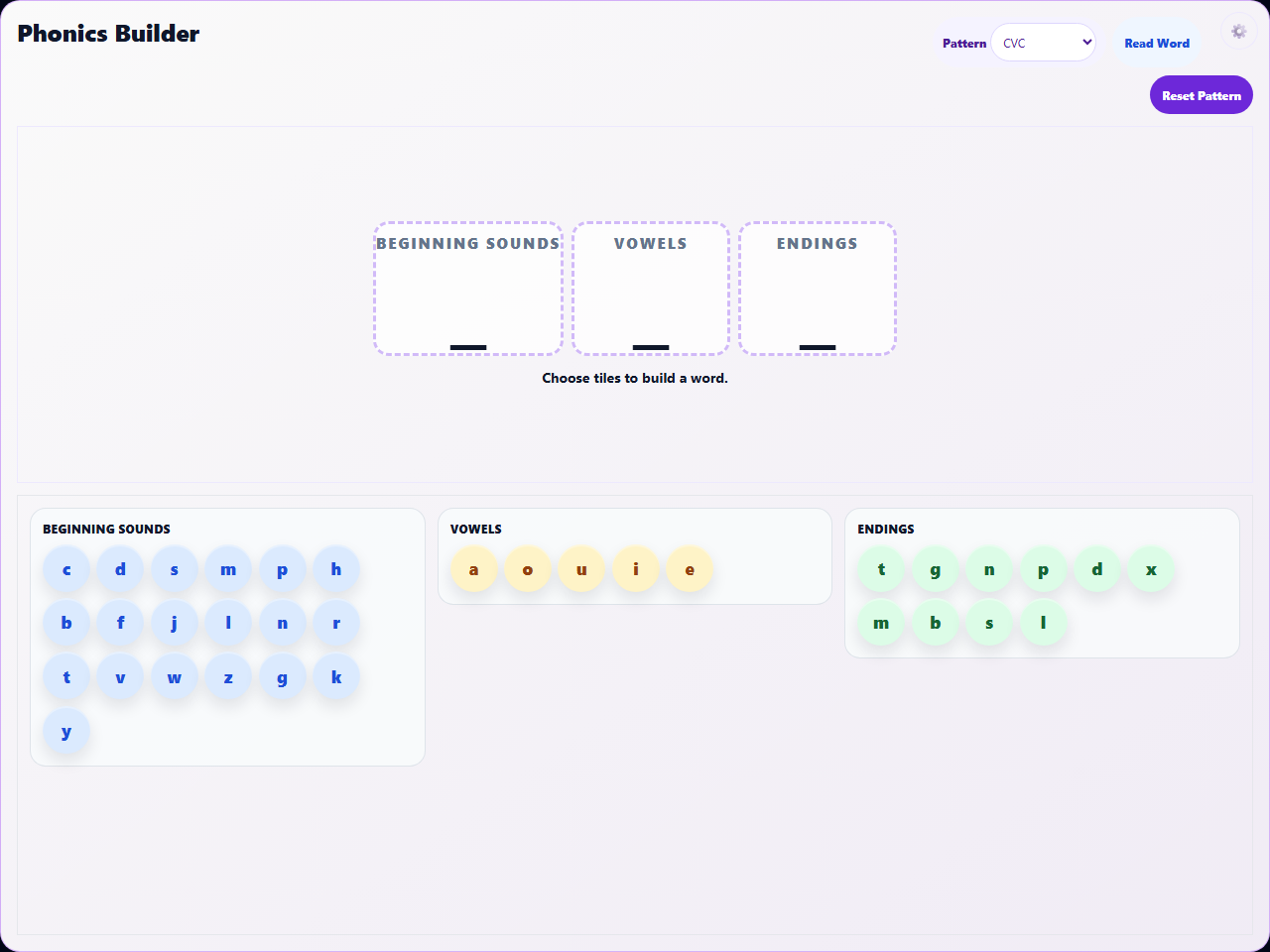
Model spelling patterns with sound tiles that help students connect letters and spoken sounds. Build words together and compare how different patterns work.

Ways to use this widget

Buy once: Download and keep. Use offline without internet, TGM sign-in or a subscription.

Free online: Sign in to use the free widget; try its demo above.

What you can do

  • Work with CVC, CCVC and CVCC patterns.
  • Explore digraphs, trigraphs, vowel teams, magic-e, r-controlled patterns and silent letters.
  • Build words with tiles to support blending and segmenting.
  • Use smart filtering: valid tile choices narrow as you fill the sound boxes.
  • Place tiles by mouse or touch dragging, tapping, or keyboard selection.
  • Reset a pattern, clear individual boxes and show or hide teacher controls.
  • Read completed words with highlighted boxes where your device provides a suitable English voice.

Phonics Builder โ€” full-feature preview

Phonics Builder enlarged full-feature preview