← Back

Area, Perimeter and Volume Builder

Make the difference between boundary length, covered area and filled volume clear with connected models.

Ways to use this widget

Buy once: Download and keep. Use offline without internet, TGM sign-in or a subscription.
Subscribe: Use online and in Classroom Displays while subscribed. Offline download sold separately.

What you can do

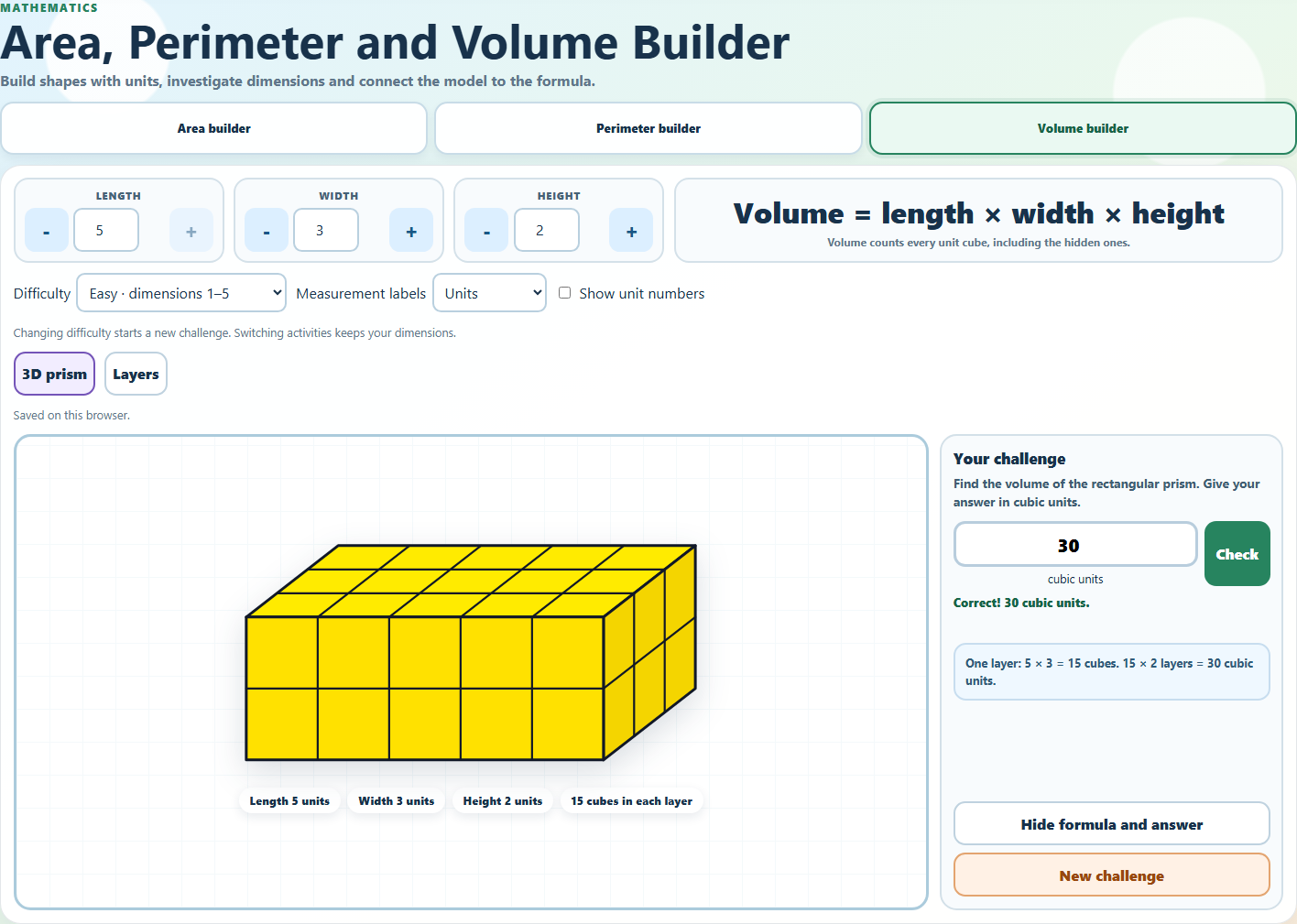
  • Explore rectangle area, rectangle perimeter and rectangular-prism volume. Switching activities keeps the same dimensions for comparison.
  • Use direct dimension entry or plus/minus controls. Easy, Medium and Hard support whole-number dimensions up to 5, 10 and 12 respectively.
  • Choose units, centimetres, metres or millimetres. Answers use the matching linear, square or cubic units; changing labels does not convert the dimension numbers.
  • Hide or show unit numbers and formulas, trace each coloured outside edge, and explore a prism layer by layer to see its hidden cubes.
  • Check answers, reveal worked calculations and use touch, mouse or keyboard. Browser saving retains progress, with separate saved work for each Classroom Display instance.

Area, Perimeter and Volume Builder โ€” full-feature preview

Area, Perimeter and Volume Builder enlarged full-feature preview