← Back

Fraction Lab

Make fractions visible with connected models and representations. Build a fraction, compare its size, and move between shapes, bars, number lines and numerical forms to explain the same idea in different ways.

Ways to use this widget

Buy once: Download and keep. Use offline without internet, TGM sign-in or a subscription.
Subscribe: Use online and in Classroom Displays while subscribed. Offline download sold separately.

What you can do

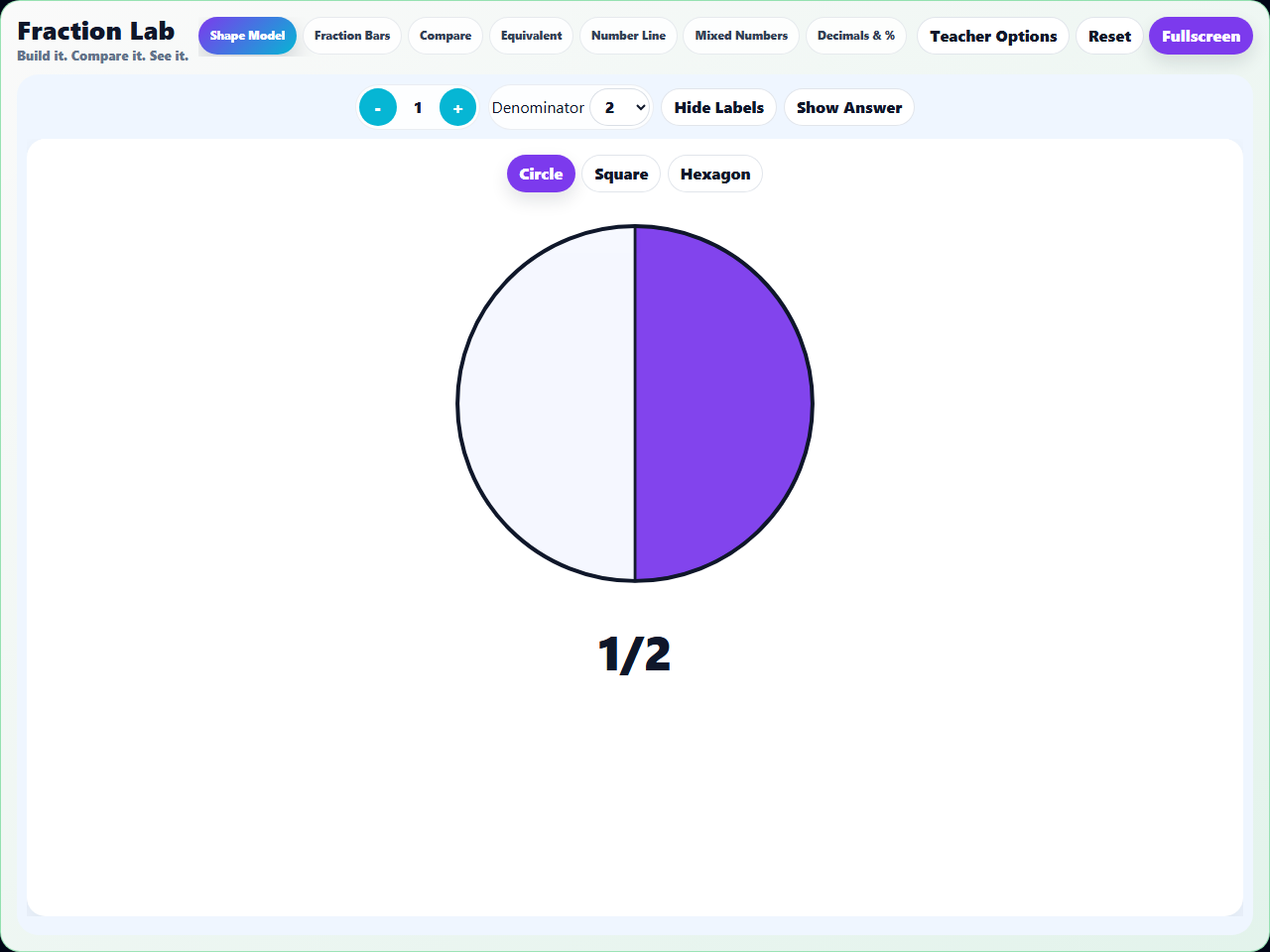
  • Build circle, square and hexagon fraction models and change the numerator and denominator.
  • Use denominators 2โ€“12 straight away in shape models, fraction bars, number lines and mixed numbers. Upper difficulty adds 16 and 20 to bars and mixed numbers; hexagons use sixths.
  • Explore Fraction Bars, Compare and Equivalent modes to investigate size and equivalence.
  • Use Number Line and Mixed Numbers modes to connect fractions to position and whole numbers.
  • Explore Decimals & % with a hundred grid, and control when labels and answers are revealed.
  • Choose Early, Middle or Upper difficulty and switch between five themes in Teacher Options.
  • Turn on larger text and use fullscreen for a classroom-sized view.
  • The download saves your mode, theme, label and difficulty preferences in this browser when storage is available.

Fraction Lab โ€” full-feature preview

Fraction Lab enlarged full-feature preview