← Back

Base Ten Blocks

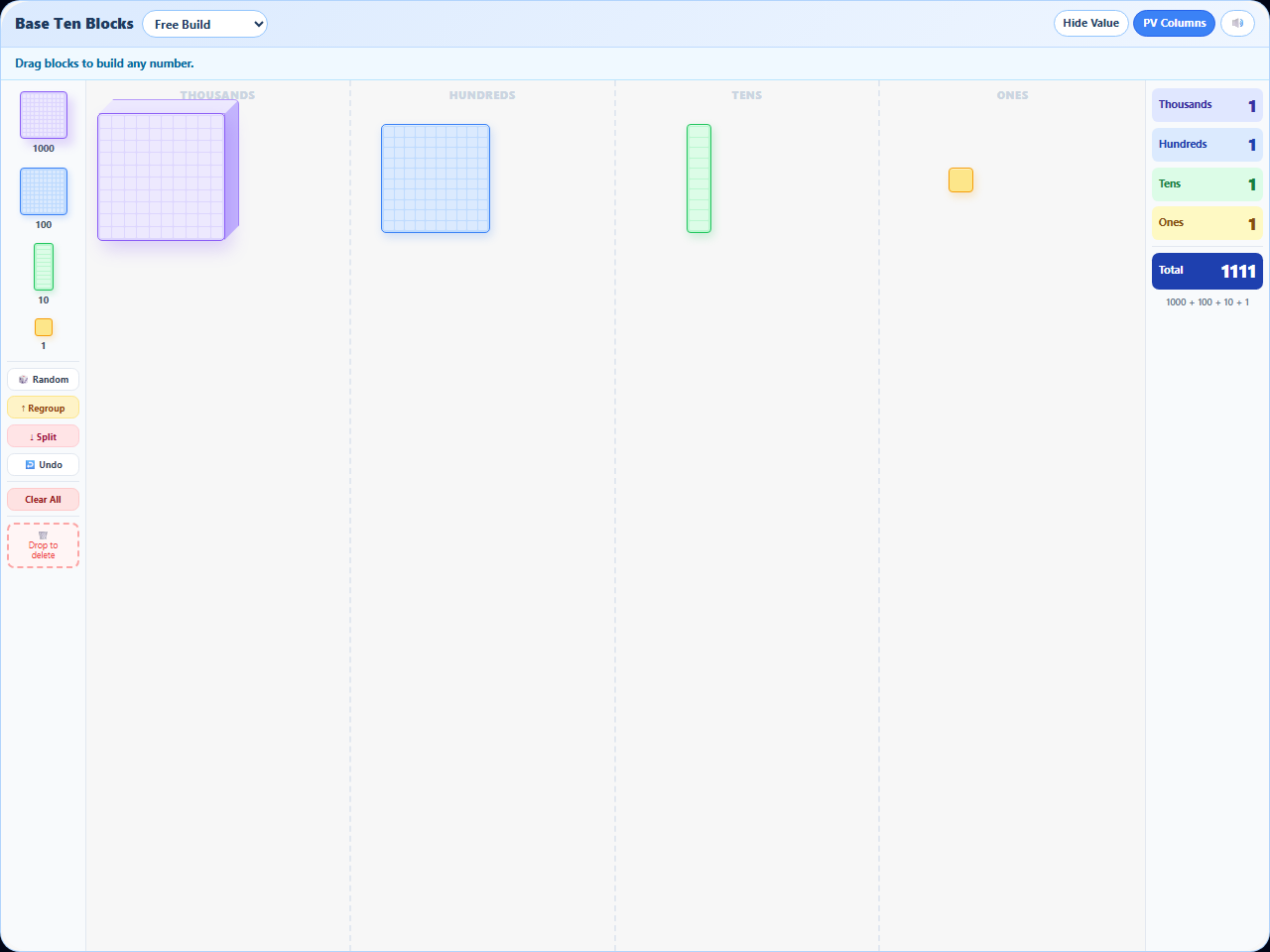
Use virtual place-value blocks to make number and operations concrete. Build quantities with ones, tens, hundreds and thousands, then use the model to discuss regrouping and the value of each place.

Ways to use this widget

Buy once: Download and keep. Use offline without internet, TGM sign-in or a subscription.
Subscribe: Use online and in Classroom Displays while subscribed. Offline download sold separately.

What you can do

  • Add and move ones, tens, hundreds and thousands to build a number visually.
  • Use place-value columns and counts to connect the blocks to numerical value.
  • Trade groups of ten for the next place value, or break a larger block into smaller units.
  • Choose from seven teaching modes: Free Build, Build a Number, Expanded Form, Regrouping, Addition, Subtraction and Compare.
  • Use two coloured block sets to model addition and subtraction, or compare quantities and reveal the comparison symbol.
  • Generate a random number, undo a block change, clear the workspace or drag individual blocks to the delete area.
  • Show or hide the value for student challenges. Read aloud is available where an English voice is installed on your device.

Base Ten Blocks โ€” full-feature preview

Base Ten Blocks enlarged full-feature preview